


Anchor: info
New WCTFCU Credit Cardholders
Introductory Offer 2.99% APR!
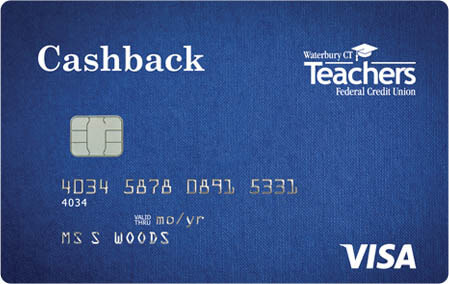
Transfer your high–interest rate credit card balances to a new, fixed rate WCTFCU Visa Credit Card to enjoy 2.99% APR* for 12 months on transferred balance(s) and no transfer fee.
(Rate good on new WCTFCU credit cards only)
Anchor: quick-look
Quick Look



Anchor: disclosures
- VISA Customer Service: 800-237-6211
- Lost or Stolen VISA Credit Card: 800-325-3678
- Activate a New VISA Card: 800-543-5073
- Dispute a VISA® charge: 800-600-5249
Anchor: comparison
Card Comparison
| Cashback VISA® | Platinum VISA® Rewards Points | Gold VISA® | Student VISA® | |
|---|---|---|---|---|
| Fixed Rate % APR* | from {{RATE}} APR | from {{RATE}} APR | from {{RATE}} APR | from {{RATE}} APR |
| No Annual Fee | Yes | Yes | Yes | Yes |
| Cash Back 1% on all purchases | No | No | No | |
| ScoreCard Rewards® Points | No | Yes | No | No |
| No Fee Cash Advance | Yes | Yes | Yes | Yes |
| No Fee Balance Transfers | Yes | Yes | Yes | Yes |
| Digital Wallet Option | Yes | Yes | Yes | Yes |
| Fraud Protection | Yes | Yes | Yes | Yes |
| Free Travel Accident Insurance | Yes | Yes | Yes | Yes |
| Warranty Services | Yes | Yes | No | No |
| Free Auto Rental Collision Damage Waiver Insurance | Yes | Yes | Yes | Yes |
| Apply Online Now for a Cashback Visa Card | Apply Online Now for a Platinum Visa Card | Apply Online Now for a Gold Visa Card | Apply Online Now for a Student Visa Card |
*APR= Annual Percentage Rate. Rates and terms are subject to change. Credit Card rates will be determined by an individual's creditworthiness.
Anchor: fraud

Protect your WCTFCU Visa Credit Card from Fraud!
Control credit card usage and spending by defining when, where and how your credit card is used.
Download the Card Suite Lite Mobile App to take control of your cards:
- Freeze or unfreeze your card
- Get instant transaction alerts
- Set monthly or transaction spending limits
- Control where and how your card can be used
- See enriched merchant names and even logos
Traveling out of state? Call the branch in advance so that we may note this on your account.
Anchor: benefits
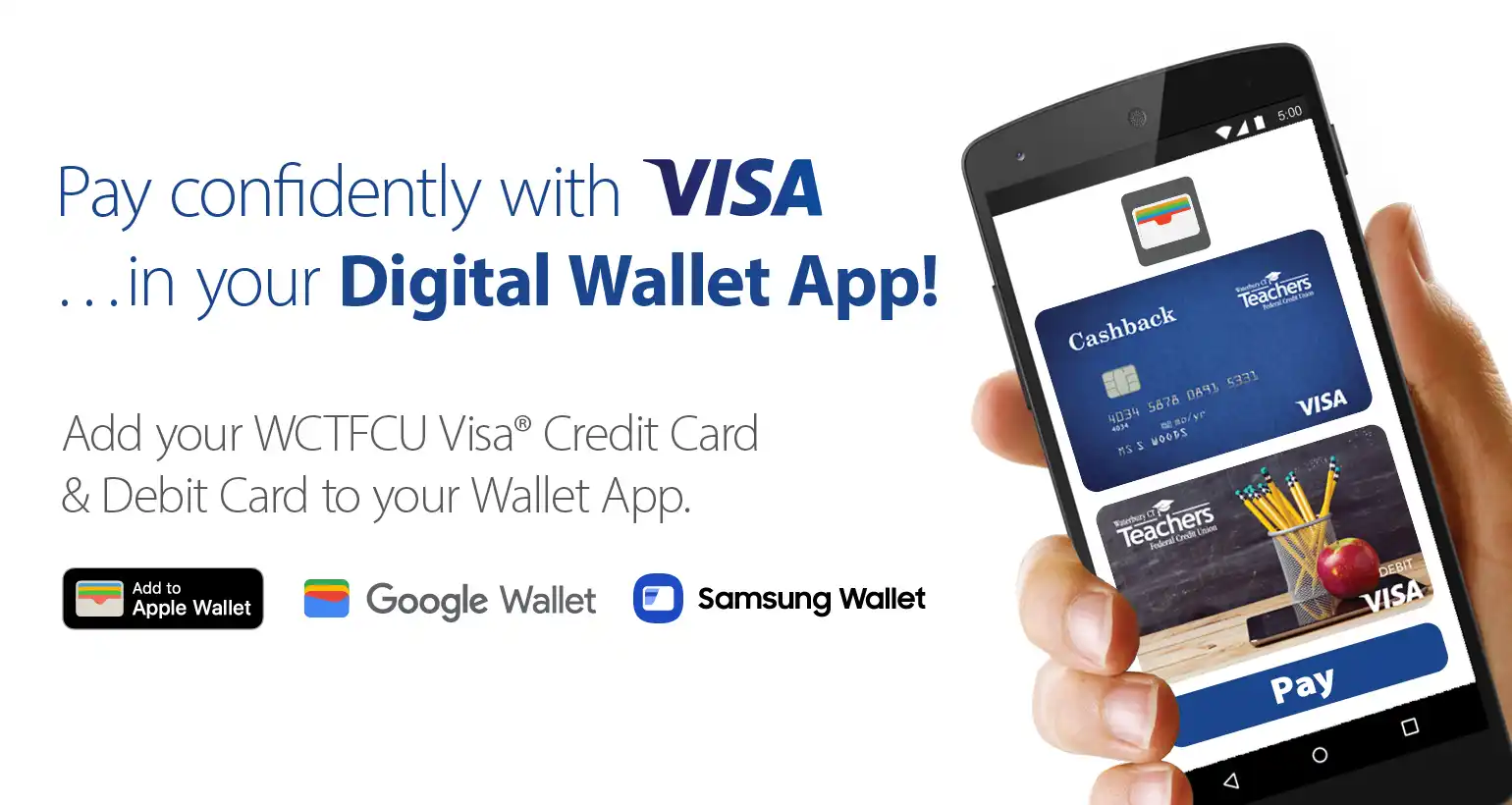
Enjoy the benefits of your WCTFCU Visa Credit and Debit Card with the convenience of your smartphone's Digital Wallet App (Apple Pay, Google Pay, Samsung Pay*).
Simply add your WCTFCU cards to your Digital Wallet App for quick, convenient & secure in-person and in-App purchases wherever you see the Digital Wallet icons.
Here's How:
- Open or download your Digital Wallet App. Use the App to scan your card(s) or take a photo with your device's camera.
- Follow the prompts to add & secure your WCTFCU Visa Credit Card & Visa Debit Card to your Wallet.
- WCTFCU will securely verify your card(s) information.
- To use - hold your phone (or Apple Watch) to the card terminal as indicated, and your payment will be processed!
*Available on participating smartphone models through most major carriers.
Travel Note: Please call the branch in advance of traveling so you won't have disruption in service with your card.
VISA® Checkout
VISA® Checkout is an online payments service that allows users to enjoy a faster simpler way to pay for online purchases across any device. Users simply create an account and store any major debit or credit card within their Visa Checkout Account. When ready to make a purchase, the user just enters their account username and password and the payment is made in just a few clicks. This saves time filling out the typical name and address information needed at the time of purchase because payment information is applied upon logging in!
Anchor: moneywise
Automatic Account-Updater for Debit & Credit Cardholders.
Are there merchants to whom you have given your Visa Debit or Credit Card number to keep on file for recurring payments? If so, this applies to you.
Whenever you receive a new or renewed Debit or Credit Card from WCTFCU, your old card's information (i.e. number & expiration date) will automatically update to the new card's information for those merchants with whom you have set-up your card on file for recurring payments. (ex. subscriptions, gym memberships).
You may opt-out. If you choose to opt-out of the automatic update, you will need to manually update any auto-charge merchants you set-up yourself when you receive an updated WCTFCU Debit or Credit Card.
How to Opt-Out To opt-out, click on the Updater Opt-Out button.
Anchor: forms
Anchor: calculator





 Make everyday purchases easier
Pay securely using your mobile phone and your WCTFCU debit or credit card stored in your digital wallet.
Make everyday purchases easier
Pay securely using your mobile phone and your WCTFCU debit or credit card stored in your digital wallet.